How to use an AI-generated worksheet
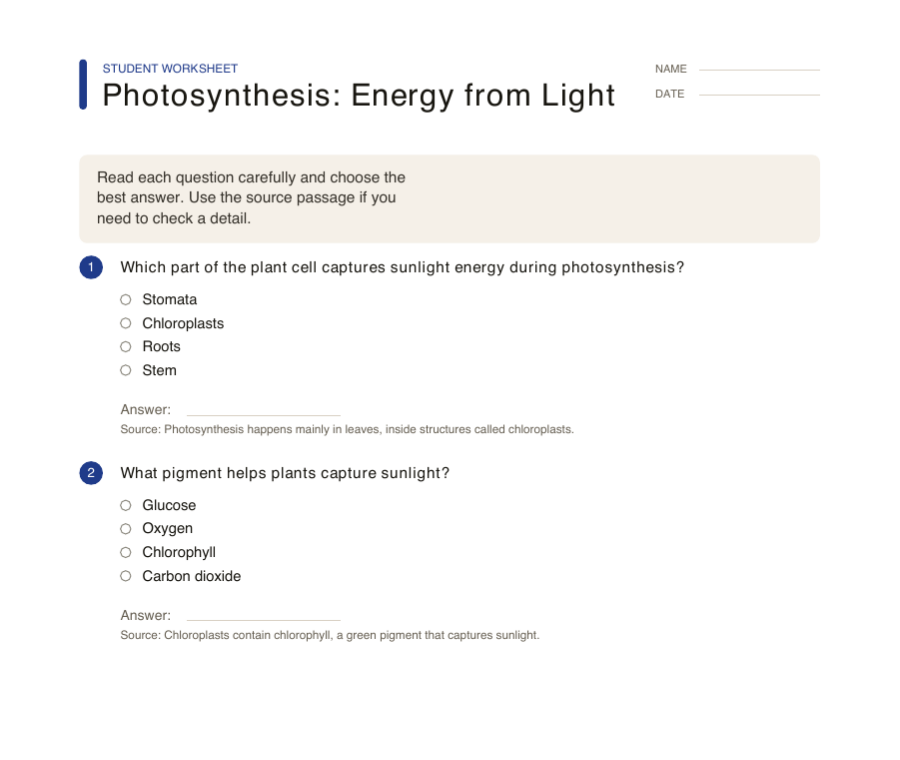
Check the wording, correct answers and explanations. Edit ambiguity or unsuitable difficulty before exporting the worksheet.
See the full guideClassroom worksheets
Start from the teaching task: generate source-grounded questions, build handwriting practice, print number lines, make tracing pages, or add graph paper and index cards to a lesson packet.
These tools are grouped for teachers, tutors, and home learning workflows where the output needs to be reviewed, printed, and used right away.
Use these examples to choose a sheet. Open its guide for the settings, steps and printing checks.
Check the wording, correct answers and explanations. Edit ambiguity or unsuitable difficulty before exporting the worksheet.
See the full guide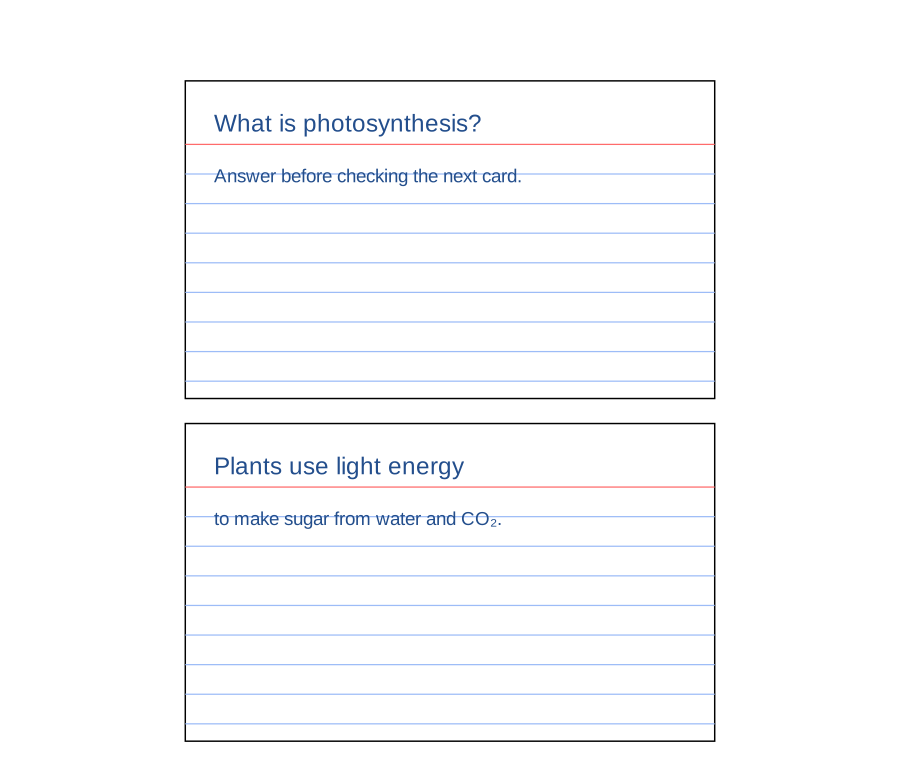
Print at 100% when card dimensions matter. Cut along the outlines, then write a short prompt on each card.
See the full guide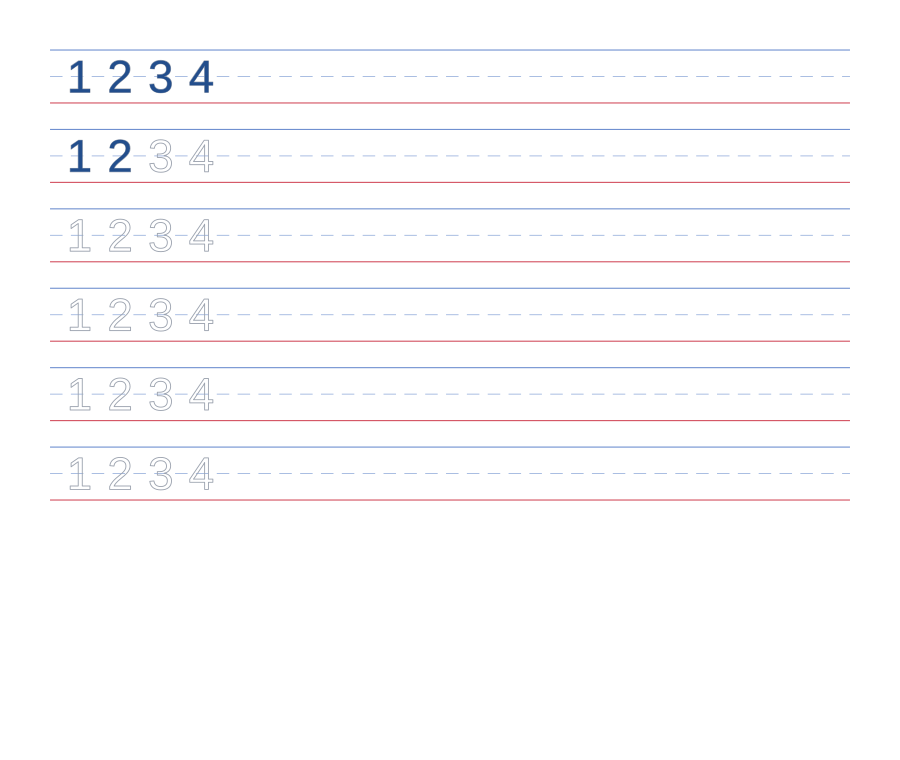
Say the number, count blocks or counters, then trace it slowly. Demonstrate the starting point before the child tries.
See the full guide