Click the grid to draw
Points and line endpoints snap to the visible grid.
How to use online graph paper
Use the virtual grid to test a simple drawing before committing it to paper. Points and line endpoints snap to the grid so sketches stay aligned.
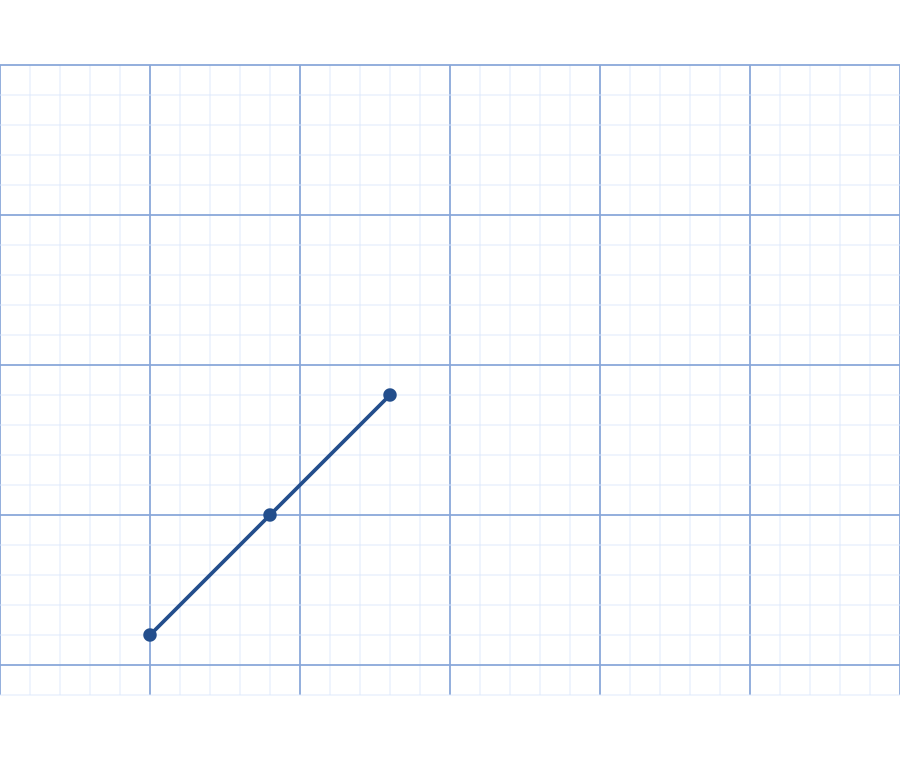
Choose points or lines
Use point mode to place individual marks. Use line mode to connect two grid positions and build a simple outline.
Check the sketch as you go
Add one part at a time and check each mark. Clear the workspace when starting a different drawing.
Save the drawing or prepare a blank grid
Download the sketch as SVG. Use the printable generator when you need a blank Letter or A4 PDF grid for work by hand.
Try this. The printable generator creates a clean grid; it does not automatically include the drawing from this workspace.
Open printable graph paperQuestions about this printable
Can I draw on this online graph paper?
Yes. Choose point mode to mark grid intersections or line mode to connect two intersections with a straight line.
Can I download the drawing as a PDF?
This workspace exports drawings as SVG. The printable graph paper generator creates a separate blank Letter or A4 PDF; it does not include your sketch.
Does the drawing snap to the grid?
Yes. Points and line endpoints snap to the visible grid intersections.
Start with a printable tool
Choose the task first: graph paper, calendars, planners, handwriting practice, home admin sheets, rulers, or craft grids. Each link opens a focused page with the highest-frequency settings already visible.