Cross stitch graph paper generator
Create cross stitch graph paper with Aida count spacing and 10-stitch lines.
How to use cross stitch graph paperNeed a fixed Aida grid without customization? Download the Cross Stitch Graph Paper template →
Craft grid essentials
Choose fabric count, stitch dimensions, paper size, orientation, and grid contrast before printing.
Export cross stitch graph paper
Aida count
Every 10
Finished size 5.0 x 5.0 in
Paper
Grid contrast
Count in 10-stitch blocks. Every tenth line is heavier so you can count larger pattern areas without losing your place.
Print at actual size. Use 100% scale when the printed grid needs to match the selected Aida count.
Active grid
14 count cross stitch grid
- Aida count
- 14 count
- Paper
- Letter (8.5 × 11 in)
- Finished size
- 5.0 x 5.0 in
How to use cross stitch graph paper
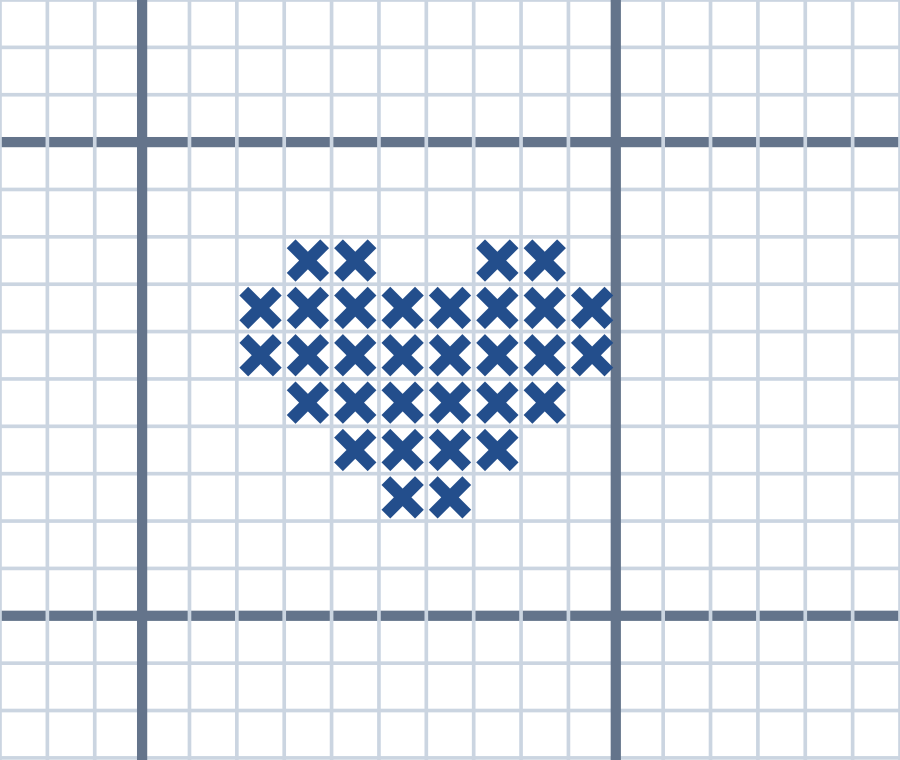
Plan a counted-stitch pattern before working on fabric. Each grid square represents one stitch, and fabric count determines the finished size.
Match the grid to your fabric
Choose the fabric count and pattern width and height in stitches. Check that the grid leaves room for the entire design.
Draw one symbol per stitch
Mark the center, then build the motif square by square. Use a simple symbol or color key when using more than one thread color.
Check size before stitching
Divide stitches by fabric count to estimate inches on Aida. Leave fabric beyond the design for finishing and framing.
Try this. An 8-stitch-wide motif on 14-count Aida is about 0.57 inches wide. Stitch count and the printed grid scale are different measurements.
Find more craft paperQuestions about this printable
Can I download the cross stitch graph paper as a PDF?
Yes. Choose the Aida count, paper size, orientation, and contrast, then download PDF, PNG, or SVG.
Which Aida counts are included?
The generator includes common Aida counts such as 10, 11, 14, 16, and 18 count, plus a custom count field.
Does the grid include stronger counting lines?
Yes. Every tenth line is heavier to make counted cross stitch pattern planning easier.
Start with a printable tool
Choose the task first: graph paper, calendars, planners, handwriting practice, home admin sheets, rulers, or craft grids. Each link opens a focused page with the highest-frequency settings already visible.