1 Inch Grid Paper

1 Inch Grid Paper generator

How to use one-inch grid paper

Print settings

Export graph paper

Edit
Paper
Orientation
Line color
Line weight
papergens.com
Paper
Letter (11 × 8.5 in)
Grid
1 inch
Scale
100% print

Use Actual Size in the print dialog; the PDF is generated from the same SVG preview shown here.
How to use one-inch grid paper

Large squares leave room for counters, drawings and early coordinate work. One cell can hold one object or one clearly written value.

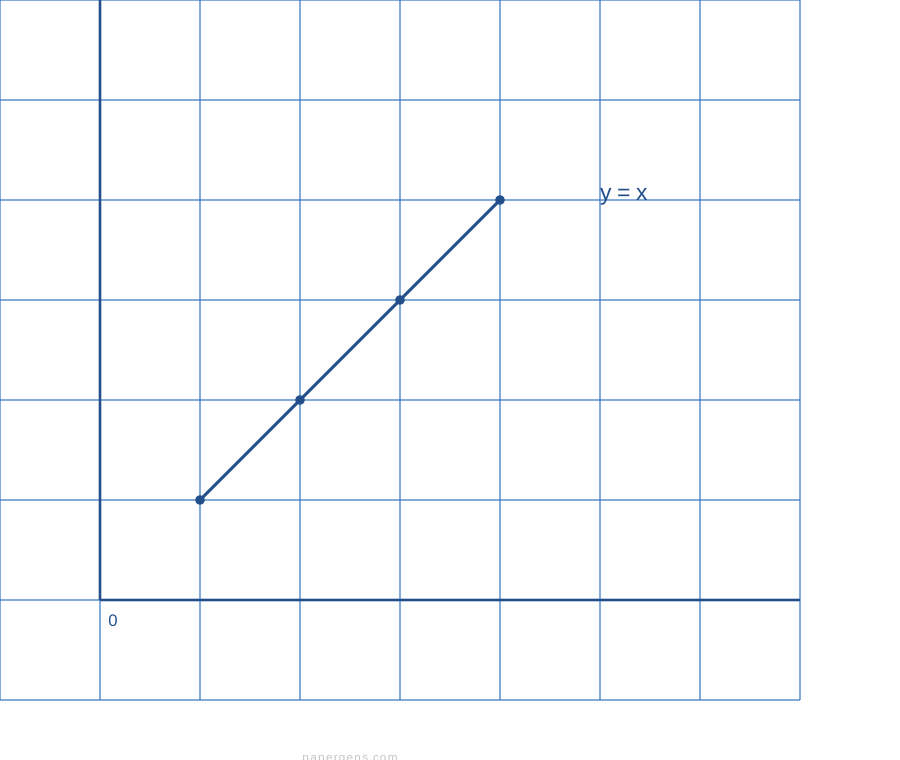
Large square grid with a simple plotted diagonal
Example in use. The large cells make individual positions easy to point to and count.This is a usage illustration. Customize the sheet above before downloading.
  1. Print and check one square

    Download the landscape PDF and print at 100%. Measure a cell when an actual one-inch square is required.

  2. Give each cell one job

    Place one counter, drawing or number in each square. Use rows and columns to explain position or grouping.

  3. Count rows, columns or steps

    Ask the learner to count occupied cells or move a counter between positions. Start with a small area of the sheet.

Try this. Use a smaller grid when the drawing needs more detail; large cells prioritize space and visibility.

Choose a finer graph paper grid

Questions about this printable

Can I download 1 Inch Grid Paper as a PDF?

Yes. This page opens the graph paper generator on 1 Inch Grid Paper, and you can download PDF, PNG, or SVG.

What is 1 Inch Grid Paper best for?

True-scale one-inch squares for miniatures, battle maps, craft layouts, and map drawing.

Use Actual Size or 100% scale in the print dialog.

Use Actual Size or 100% scale in the print dialog and match the printer paper size to the selected template.