Engineering Graph Paper

Engineering Graph Paper generator

How to use engineering graph paper

Print settings

Export graph paper

Edit
Paper
Orientation
Line color
Line weight
papergens.com
Paper
Letter (8.5 × 11 in)
Grid
Engineering
Scale
100% print

Use Actual Size in the print dialog; the PDF is generated from the same SVG preview shown here.
How to use engineering graph paper

Use the lighter subdivision lines for detail and the heavier grid for grouping. This helps keep calculations and measured sketches legible.

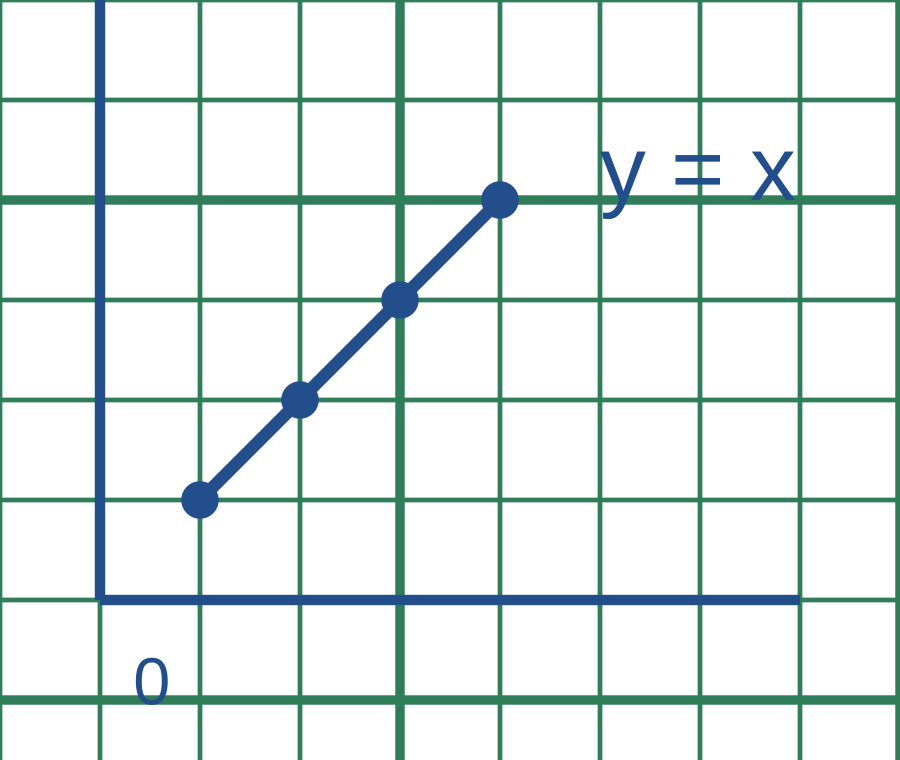
Green engineering grid with a simple blue plot
Example in use. Blue plotting marks stand out against the lighter green subdivisions.This is a usage illustration. Customize the sheet above before downloading.
  1. Choose readable lines

    Select line tone and weight, then print a test at 100% if the physical grid size matters.

  2. Set a scale and label the work

    Label axes or dimensions before plotting. Use the major grid lines to keep positions and calculations organized.

  3. Check the finished sketch

    Confirm units, lengths and plotted values. Keep a clean sheet alongside calculations when presenting a final diagram.

Try this. Very pale lines can disappear on some printers. Check a sample before printing a large batch.

Choose another technical grid

Questions about this printable

Can I download Engineering Graph Paper as a PDF?

Yes. This page opens the graph paper generator on Engineering Graph Paper, and you can download PDF, PNG, or SVG.

What is Engineering Graph Paper best for?

Quarter-inch grid with bold reference lines every five squares.

Use Actual Size or 100% scale in the print dialog.

Use Actual Size or 100% scale in the print dialog and match the printer paper size to the selected template.