Live generator
Logarithmic Paper
Print settings
Export graph paper
- Paper
- Letter (8.5 × 11 in)
- Grid
- Log
- Scale
- 100% print
Use Actual Size in the print dialog; the PDF is generated from the same SVG preview shown here.
Live generator
Print settings
Export graph paper
Use Actual Size in the print dialog; the PDF is generated from the same SVG preview shown here.
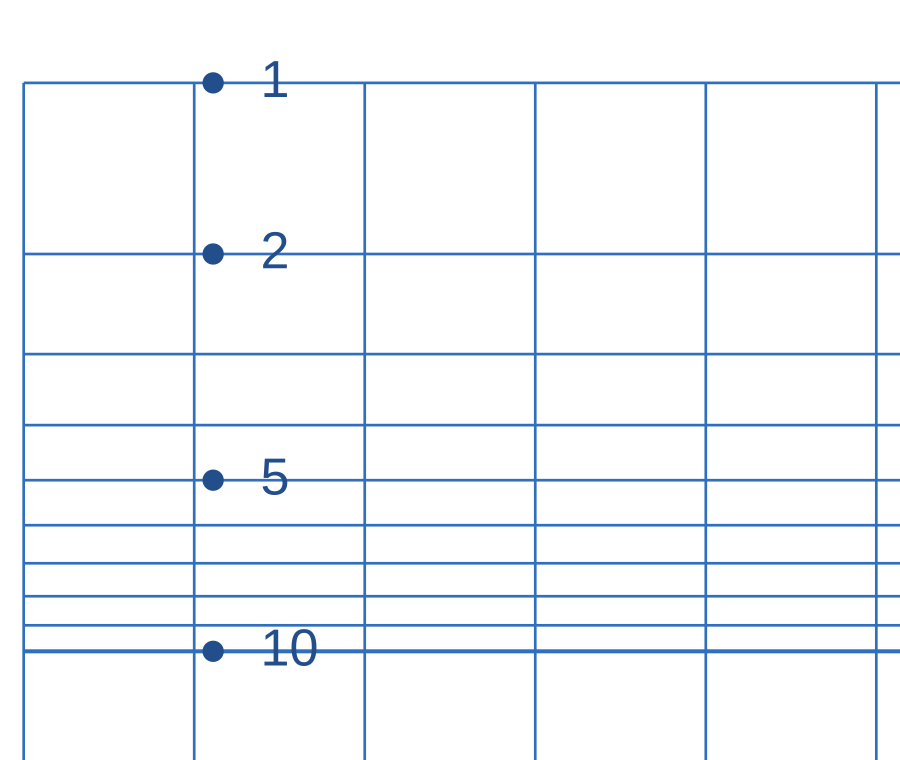
A logarithmic scale makes multiplicative changes easier to compare. Choose this layout when positive values span several orders of magnitude.
Decide whether successive decade bands represent 1–10, 10–100 or another positive range. Label the logarithmic axis before plotting.
Locate a value within its decade rather than counting every line as an equal numerical step. Use the ordinary axis for the other quantity.
Compare multiplication, such as a change from 1 to 10 and from 10 to 100. Confirm the axis labels when interpreting a slope.
Try this. Zero and negative values cannot be placed on an ordinary logarithmic scale. Use a linear grid when those values are part of the exercise.
Choose a linear graph paper gridYes. This page opens the graph paper generator on Logarithmic Paper, and you can download PDF, PNG, or SVG.
Semi-log paper for exponential data and technical plots.
Use Actual Size or 100% scale in the print dialog and match the printer paper size to the selected template.