Personalized learning sheet
Write on your own
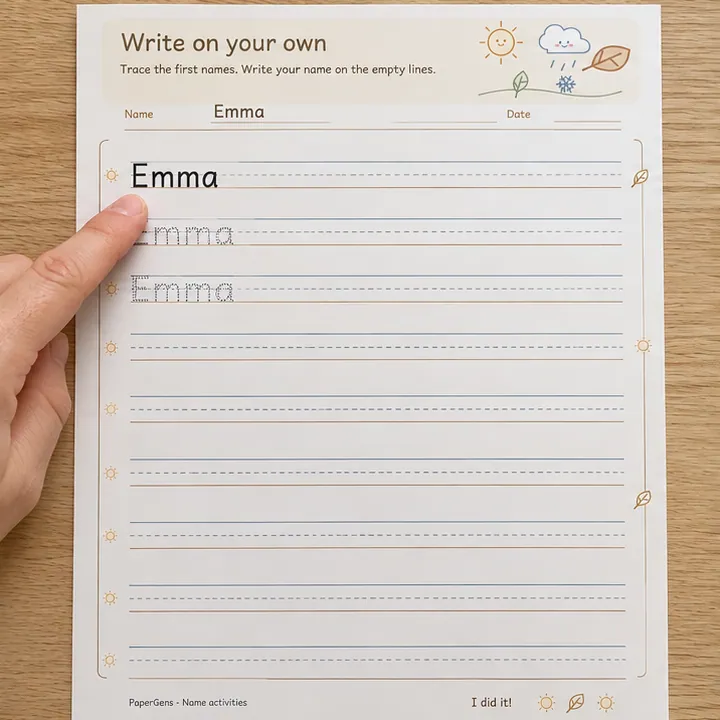
Practise writing a name with gradually less help. A solid model and two tracing rows sit above blank handwriting lines, giving children room to try the name without printed letters underneath.
Customize this sheet
Trace the first names. Write your name on the empty lines.
Full-page preview
Write on your own
Print at 100% / actual size. Match the selected Letter or A4 paper.
These are real writing fonts. Letter shapes stay the same in the preview and PDF. Letter style changes the tracing activities. Coloring and craft sheets use their own outline letters.
Names and saved settings stay in your browser. They are not sent to analytics.
From paper to practice
How to use Write on your own
Print your edited sheet, sit beside your child, and show one example before they try. Use a few rows or one small task at a time; there is no need to finish the whole page in one sitting.
You will need: A pencil and your printed worksheet.
Read the model at the top
Look at the first name together and say the letters in order. Show how to use the writing lines.
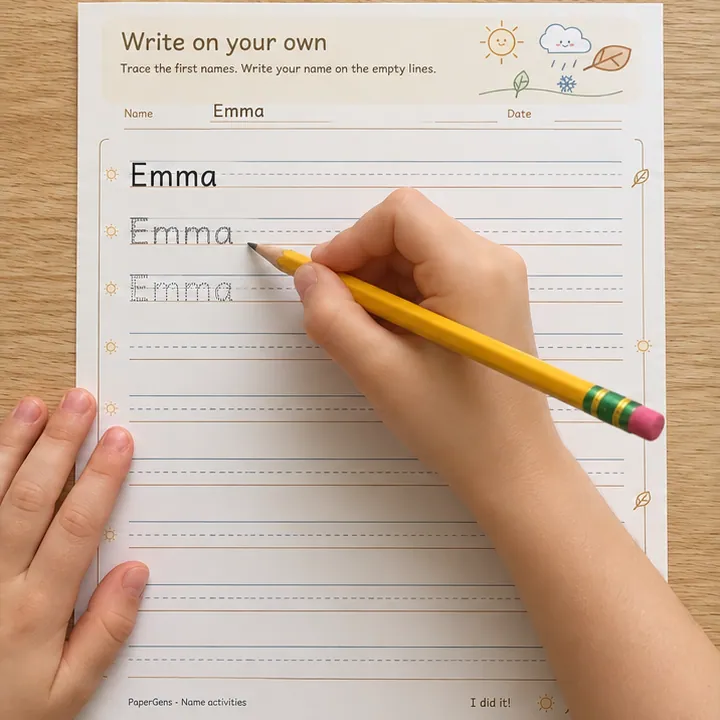
Warm up with the tracing rows
Trace the next two names. Let your child notice the first letter and the places where letters rise above or fall below the line.
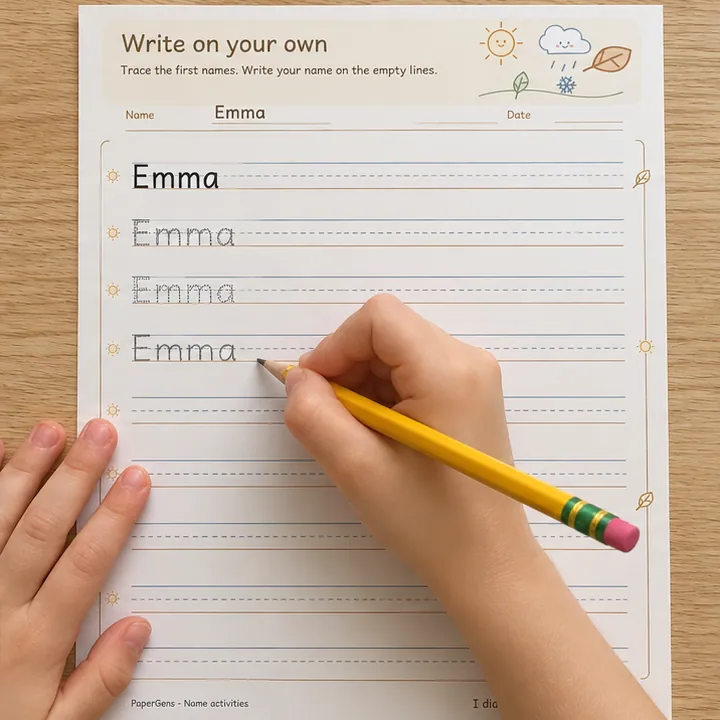
Write on the blank rows
Try the name on an empty line, looking back at the model when needed. Use another row only when your child wants another turn.
AI-created use examples with the name Emma. The paper example below uses the worksheet renderer; your download matches the current preview above.
Make it work for your child
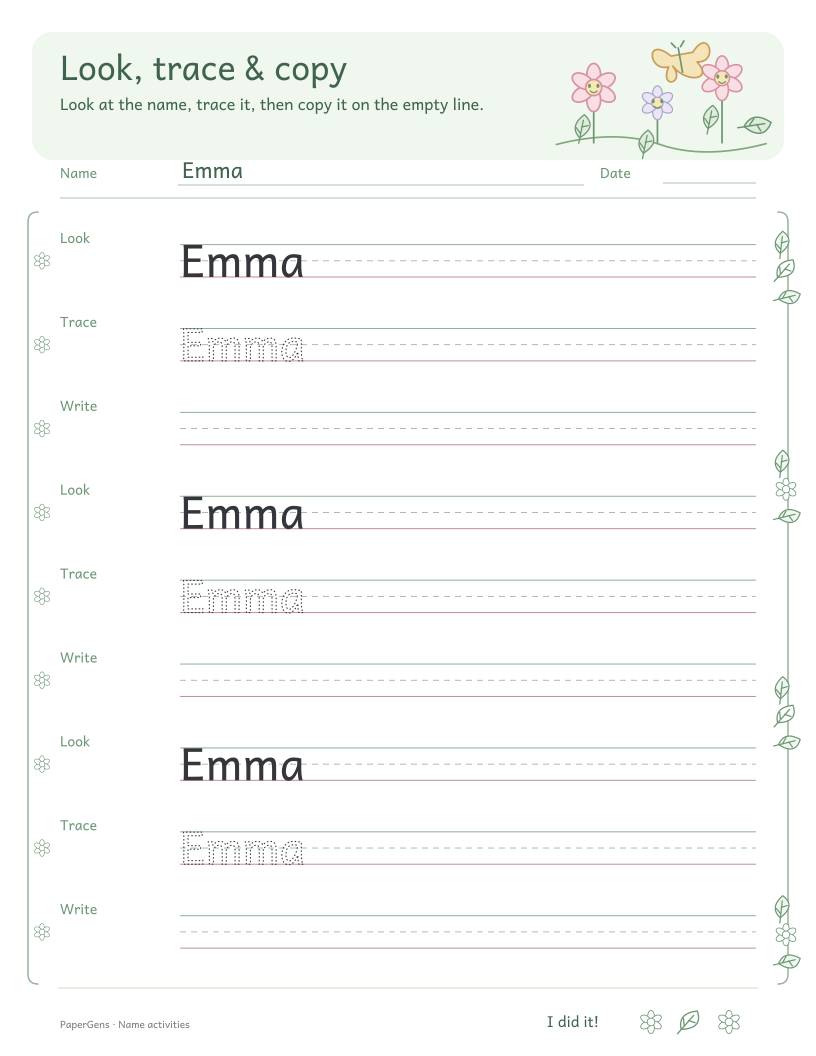
The model can stay visible. If writing a whole name feels frustrating, return to Look, trace & copy or practise one letter at a time.
Print the sheet you just edited
Choose Letter or A4 to match your printer paper. Download the PDF and print at 100% or actual size. Check the preview before printing. For another child, change the name and add that edited sheet to your print pack separately.
Before you print
How much help does this name writing sheet provide?
The first row is a solid name model, the next two rows have tracing letters, and the remaining seven rows are blank handwriting lines. Start on one blank row after the guided examples.
Can my child look back at the model while writing?
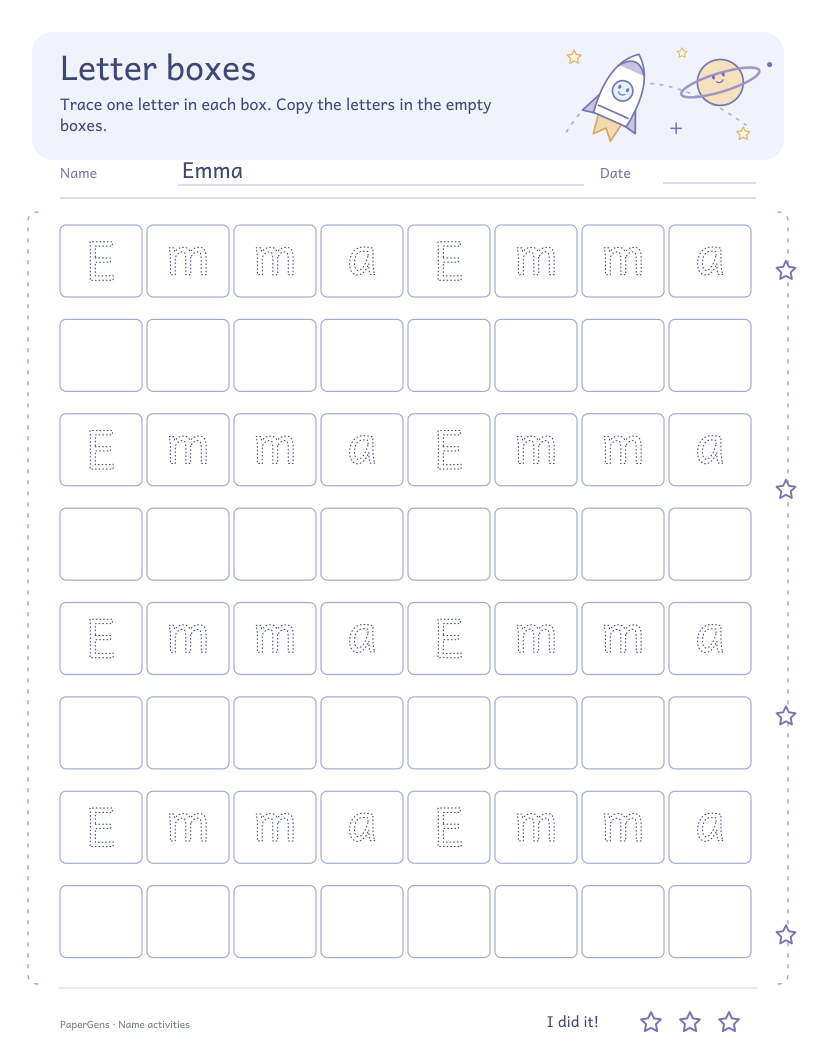
Yes. Keep the model visible and let your child check the spelling and letter shapes. If a whole name feels difficult, use Look, trace & copy or Letter boxes for more support.
Can I download this worksheet for free?
Yes. Customize the name, paper theme and size, then download a one-page PDF, PNG or SVG. No account is needed. The PDF contains the current preview; the worked example below is a separate illustration.
How do I collect sheets for later?
Click Add to print pack after editing a sheet. Open the print pack in the header to review your saved sheets, change their order or copies, and download them together. Adding a page saves its current version; later edits do not change it.
Try another way to learn the name
Each activity has its own editable sheet and instructions. Pick a next step that fits what your child wants to try.